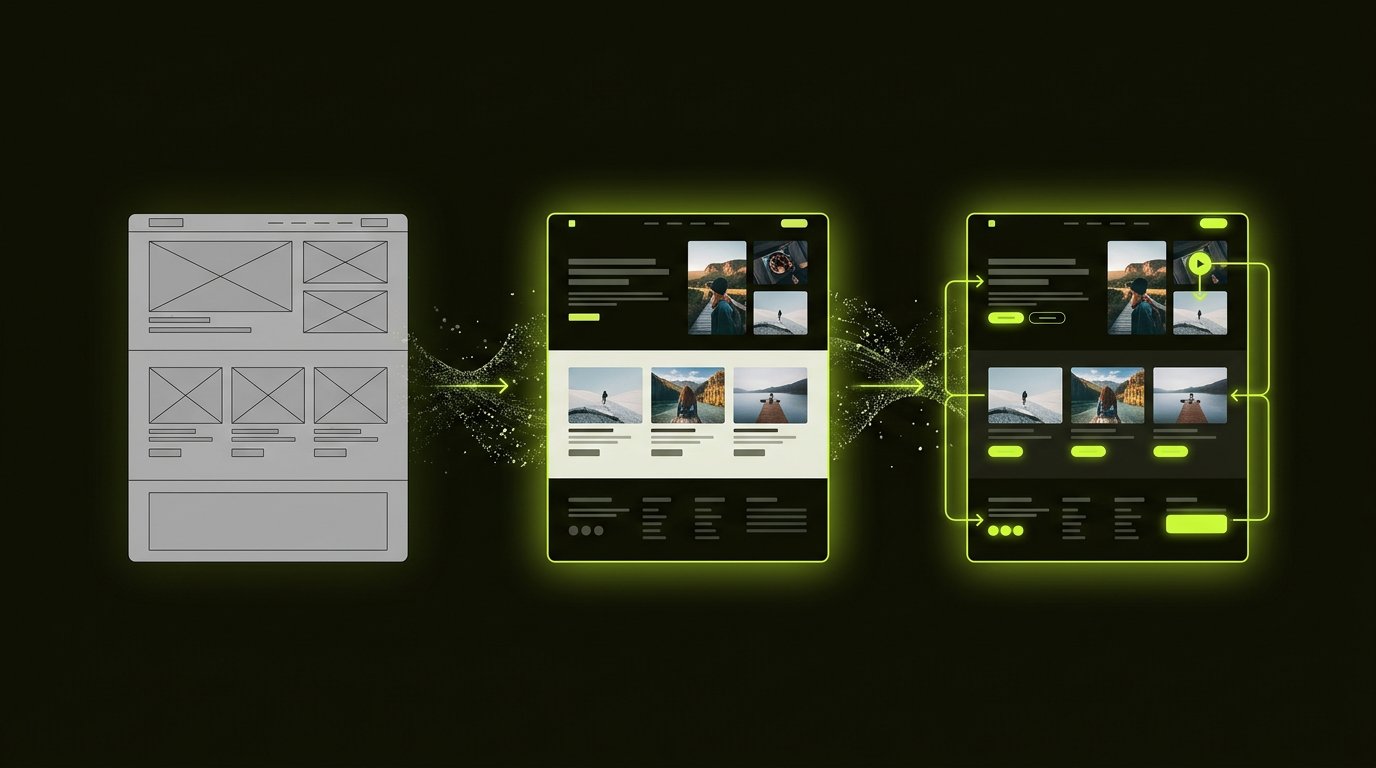
A wireframe is the skeleton (structure without style), a mockup is the skin (the visual design, static), and a prototype is the behaviour (clickable, testable, alive). The sequence — wireframe to mockup to prototype — is how professional design work moves from cheap decisions to expensive ones, catching problems while they still cost hours instead of sprints.
The three artefacts
Wireframes: the structure
Grey boxes, placeholder text, no colour — wireframes answer purely architectural questions: what goes on this screen, in what hierarchy, leading where? Built fast (hours), discussed meaningfully (everyone can critique structure without debating colours), changed cheaply. Low fidelity is the feature: nobody falls in love with a skeleton, so nobody defends it against evidence.
Mockups: the visual design
The full visual treatment — brand colours, real typography, actual imagery, designed states. Mockups answer: does this look right, feel right, represent the brand? They are static — you look at them, not through them. The UI versus UX distinction applies: wireframes are UX territory, mockups are UI territory.
Prototypes: the behaviour
Interactive — tappable, scrollable, with transitions and states wired to simulated logic. Prototypes answer: does the flow work when a human uses it? They are what you put in front of users in testing and in front of stakeholders for buy-in. Fidelity varies: low-fi prototypes wire the wireframes (testing flows); hi-fi prototypes animate the mockups (testing experience).
Fidelity: the honest spectrum
Low fidelity (sketches, grey wireframes) for speed and honest feedback; mid fidelity (structured wireframes with real content) for stakeholder alignment; high fidelity (pixel-accurate mockups and prototypes) for engineering handoff and testing. The rule that saves money: the fidelity should match the certainty — cheap artefacts for open questions, expensive artefacts for confirmed decisions.
When to use which
- Wireframes: new flows, restructuring, any moment structure is uncertain — hours of work preventing weeks of rebuild
- Mockups: brand expression, stakeholder approval of the visual direction, design-system documentation
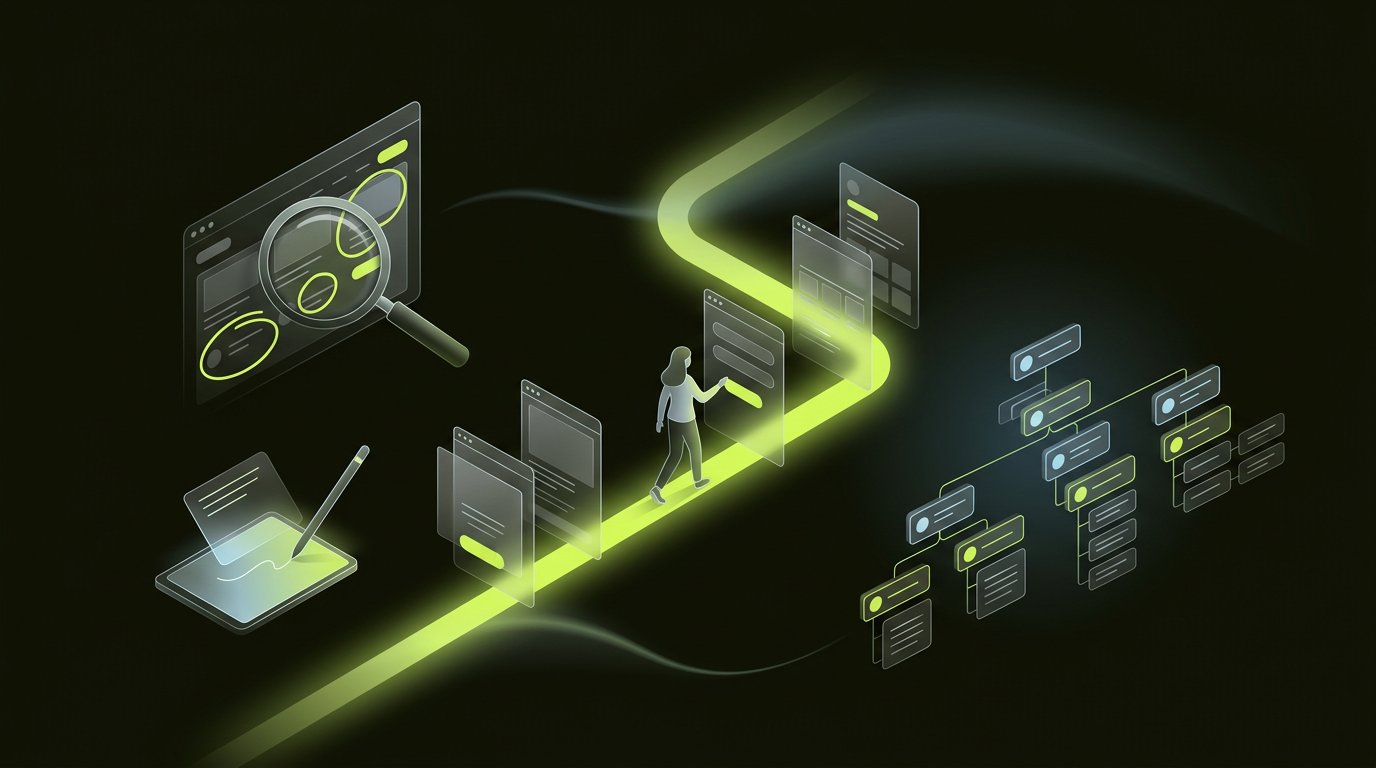
- Prototypes: usability testing, stakeholder demos, validating interactions before engineering — and the pattern our design team runs before every build
Why the sequence saves money
Changes cost differently by stage: restructuring a wireframe costs an hour; restructuring a mockup a day; restructuring built software a sprint. Teams that skip to high fidelity pay for structure debates with design budgets, and structure problems discovered in code cost engineering budgets. The design cost guide covers what each stage costs in engagements; the discipline travels free.
The tools
Figma has collapsed all three artefacts into one file — wireframe frames, mockup frames, prototype links, sharing one component library. The tools matter less than the discipline: name your frames by fidelity, keep the artefacts separate, and let the sequence do its work. Book a consultation if a project is skipping stages — the conversation pays for itself in the first avoided rebuild.
Frequently asked questions.
What is the difference between a wireframe and a mockup?
Wireframes are structural skeletons — grey boxes, placeholder text, no styling — answering what goes where and why. Mockups are the full visual design — real colours, typography and imagery — answering whether it looks and feels right. Wireframes are UX artefacts; mockups are UI artefacts.
What is a prototype in design?
An interactive, clickable simulation of the product — flows wired together with transitions and states, testable by real users. Prototypes answer whether the design works when a human uses it, before engineering builds it.
Do you need all three: wireframe, mockup and prototype?
The sequence, yes — though scale flexes with project size: small projects compress wireframes to sketches; large projects iterate each artefact. Skipping stages outsources structure debates to design budgets and structure problems to engineering budgets, at multiples of the cost.
What fidelity should prototypes be?
Match fidelity to certainty: low-fidelity (wired wireframes) for testing flows and open questions; high-fidelity (animated mockups) for validating experience and stakeholder buy-in. Cheap artefacts for open questions, expensive artefacts for confirmed decisions.
Can Figma do wireframes, mockups and prototypes?
Yes — Figma hosts all three artefacts in one file: wireframe frames, mockup frames and prototype links sharing a single component library. The tool has collapsed the workflow; the discipline of sequencing by fidelity is what separates professional processes from expensive confusion.
Enjoyed this? Let's talk about applying it to your product.